

TL;DR – I created a new BASIC text editor geared toward the Commodore 64 Ultimate (and the VICE emulator).
Last summer, the Commodore 64 Ultimate (C64U) went on sale. This was the first new product to be released by Commodore since it last went bankrupt nearly thirty years prior. Like thousands of others, I was excited to get my hands on a modern C64U. I loved the idea of a Commodore 64 that works with the original peripherals but also has modern conveniences such as SD cards, USB storage, and Wi-Fi connectivity.
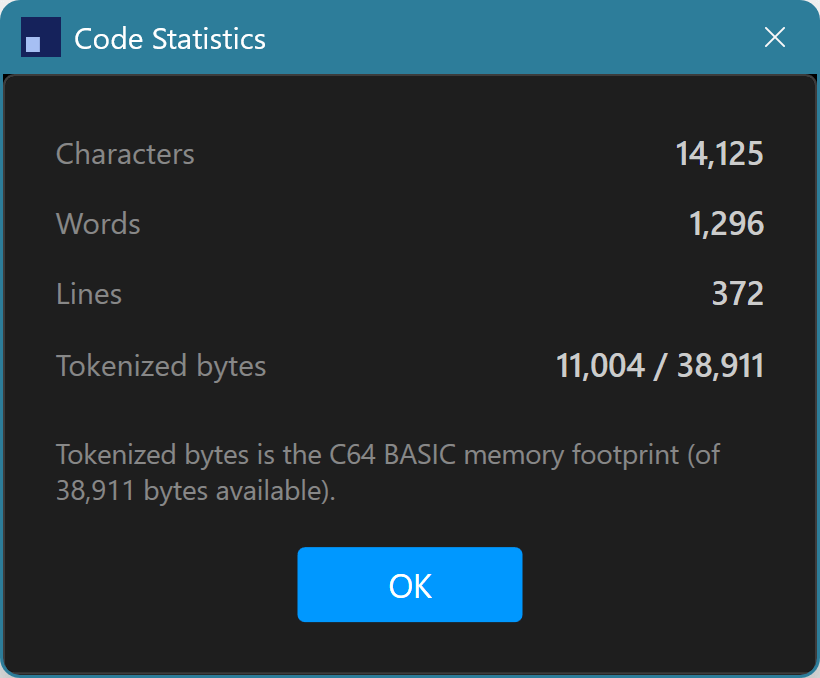
One of the first (of many) projects I had planned to take on was to update a Sprite Editor I wrote in Commodore BASIC forty years ago (this year) and get it working again. The code base is 372 lines long and contains very few comments (REM statements), so I have long forgotten what many of the PEEKs and POKEs are doing in that program. But I was excited to start banging away at it on my new C64U and my 34″ curved monitor in all it’s 8-bit HDMI glory! Then…
I realized that I have have ~40 years of muscle memory built up on standardized/modern keyboard layouts. While I still have muscle memory for the layout of the C64U keyboard, the problem lies in what the C64U doesn’t support. For example, I am used to hitting Ctrl+X/Ctrl+C/Ctrl+V for cut/copy/paste, respectively without even thinking about it. I’m used to holding down the Shift key plus the various cursor keys to highlight text (for the previous operations I mentioned). I’m used to scrolling up/down in a list of source code to bring into view what’s not on the screen – and so much more. None of these operations exist on the C64U.
There has to be a better way…
What I wanted was a Commodore 64 Ultimate that had all the bells and whistles of the IDEs I’ve been using for years (e.g., Visual Studio, VS Code, Android Studio, etc.). My first inclination was to just use the VICE emulator. But my keyboard behaves pretty much the same as the C64U keyboard in that it is missing the majority of the editing features I am looking for. Then, just by chance, I happened to be watching one of several YouTube videos on the C64U features and noticed the C64U has a REST API built in that is accessible over a local network. Eureka!
(Yet another) project is born!
After checking out the C64U REST API Reference, I hatched a plan. My plan was simple, create a new BASIC text editor that has the look and feel of modern IDEs (e.g., VS Code) as well as many of the editing features developers are used to having today. It should easily be able to transfer the code being edited to a Commodore 64 Ultimate on the local network as well as the ability to execute (RUN) that code remotely.
Seems easy enough, right? Well, there was a lot of learning along the way.
Some caveats…
- I did not do much research to see if a project like this already existed. It very well might. Regardless, I love learning new things and starting new projects (but not always finishing them 😉).
- I made copious use of Claude Code on this project. That said, I wouldn’t necessarily consider it to be purely “vibe coded” in that, a) I had a plan up front and, b) as a software engineer with many years of experience, I was not blindly accepting everything Claude Code spewed out. That said, using Claude Code likely saved me a month’s effort – or more – in getting this project to its initial release.
Creating a text editor with basic capabilities (i.e., those built into a typical text editor control in Windows) was simple enough. I then integrated the first API call to the C64U to “push” the code in the text editor to my C64U, and… FAIL! While the code did come through, I sent it through as straight ASCII text. I quickly realized I needed to tokenize the code into the binary (PRG) format that the C64U understands. A few more rounds with Claude Code and I had a proper tokenization client that could send valid Commodore BASIC code over the network via a REST endpoint. Score!
This proof of concept was all I needed to push this project a bit further. A week or two later and I now have a fully functional IDE specifically designed to be integrated with the C64U. Toward the end, I decided to also integrate it with the VICE emulator, because, why not?
The new IDE, READYCode, is now available with the following features out of the gate:
- PETSCII-aware text editor
- Shortcut keys for entering special characters, such as “CLR”, “HOME”, etc.
- Syntax highlighting specific to Commodore BASIC
- Ability to “prettify” code by adding whitespace, renumbering lines, etc.
- Ability to “minimize” code by removing whitespace, renumbering lines, etc.
- Ability to tranfser (and run) code directly to the Commodore 64 Ultimate over a local network
- Ability to transfer (and run) code directly to the VICE emulator running on the same machine or another machine over a local network
- A PETSCII reference pane for quickly looking up PETSCII values
- Light/Dark/C64 theme support
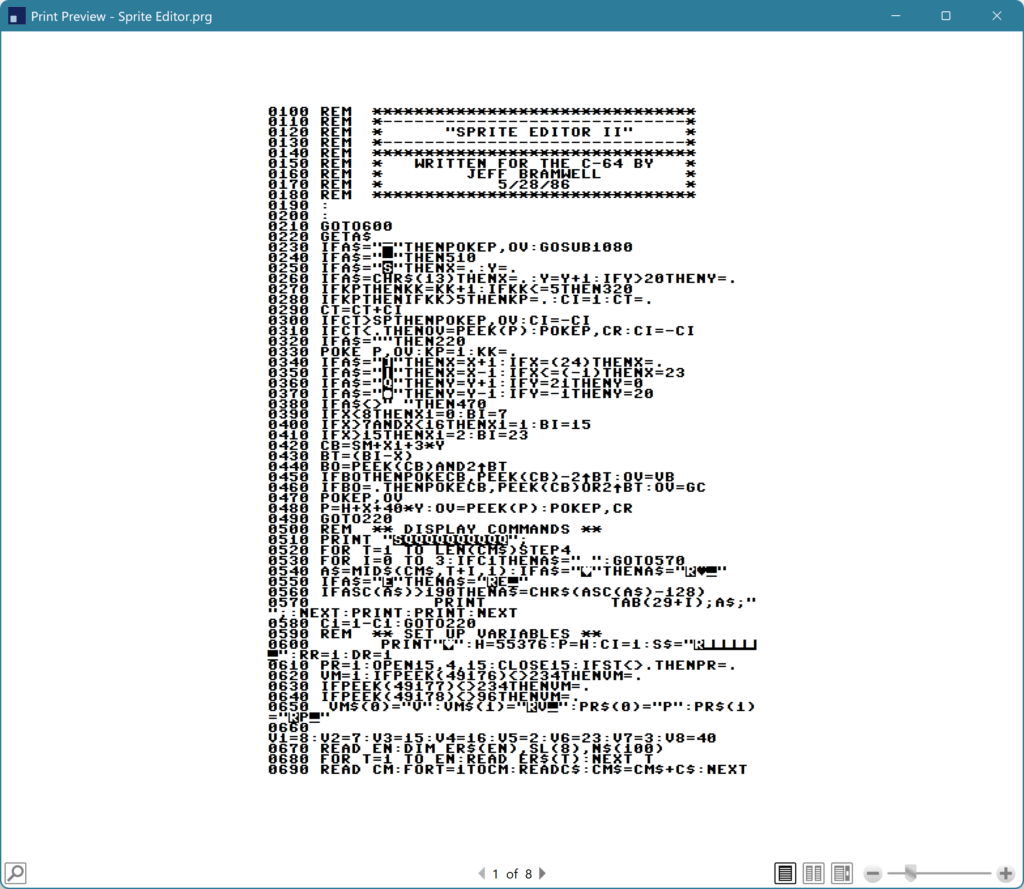
- Printer support (with PETSCII graphics)
- Lots more!
What does it look like?
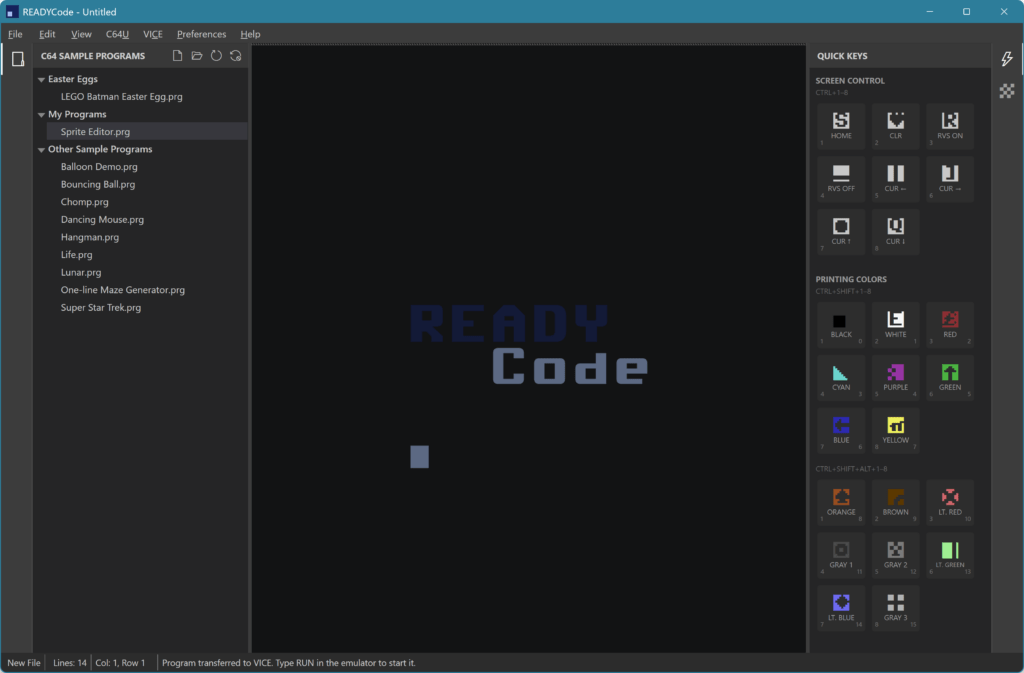
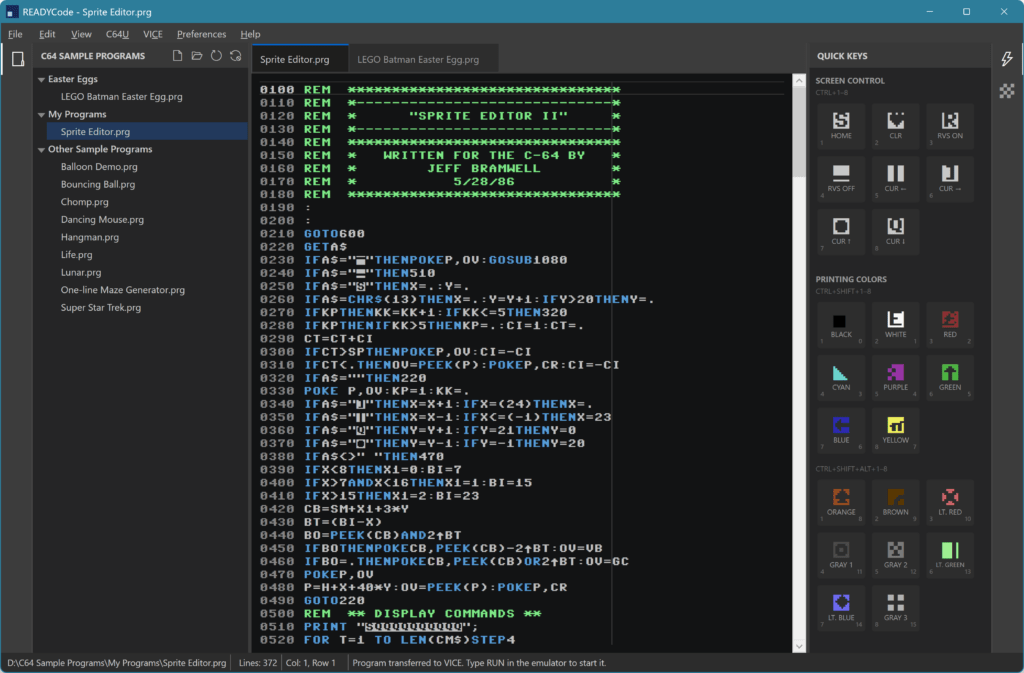
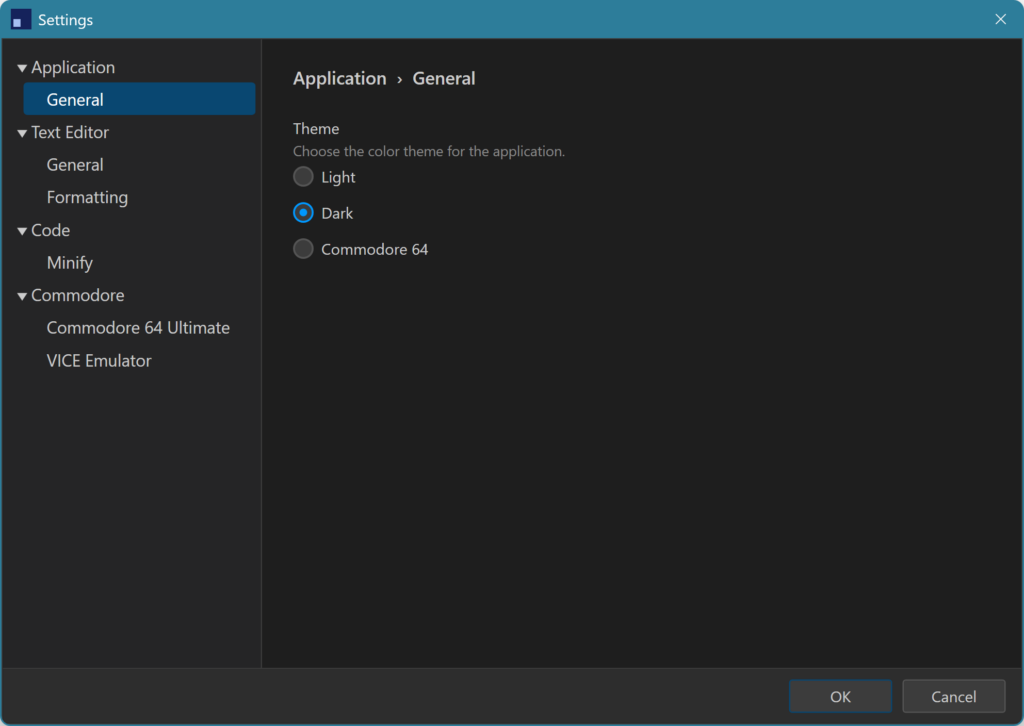
Where can I get it?
I have published the source on GitHub here: https://github.com/jbramwell/READYCode. You can also download the MSI (for Windows 10/11) if you just want to install it directly without building it yourself. The MSI is available in the Releases section.
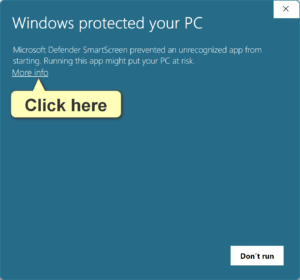
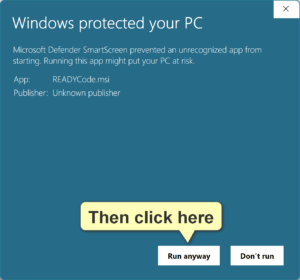
NOTE: If you run the MSI you will see a Microsoft Defender SmartScreen warning (see screenshots below) since the MSI is not signed (i.e., no signing certificate). I hope to change this in the future but, for now, this is how it is.
What’s next?
Well, for me, I am going to start updating my 80’s era Sprite Editor to get it running again. That is what prompted me to build READYCode to start with. That said, I will likely run into limitations of READYCode as I start using it on an actual project. As I run into limitations, I will enhance READYCode accordingly. I have a laundry list of items I’d like to add or improve on, so I’ll probably publish a roadmap at some point.
I also plan to publish this editor to the Microsoft Store to make it even easier to install (without any signing/certificate issues).
In the meantime, if you have any suggestions for features, questions, etc., please create an issue on the READYCode rep. If you would like to make contributions to the project by coding your favorite feature, please check out: Contributing to READYCode. I more than welcome any community involvement!
Please let me know what you think. Useful or not? In my case, I enjoyed the process of creating this editor because I’ve learned a lot about how Commodore BASIC code is tokenized. So, if nothing else, that’s a plus!
In the meantime, keep on coding!